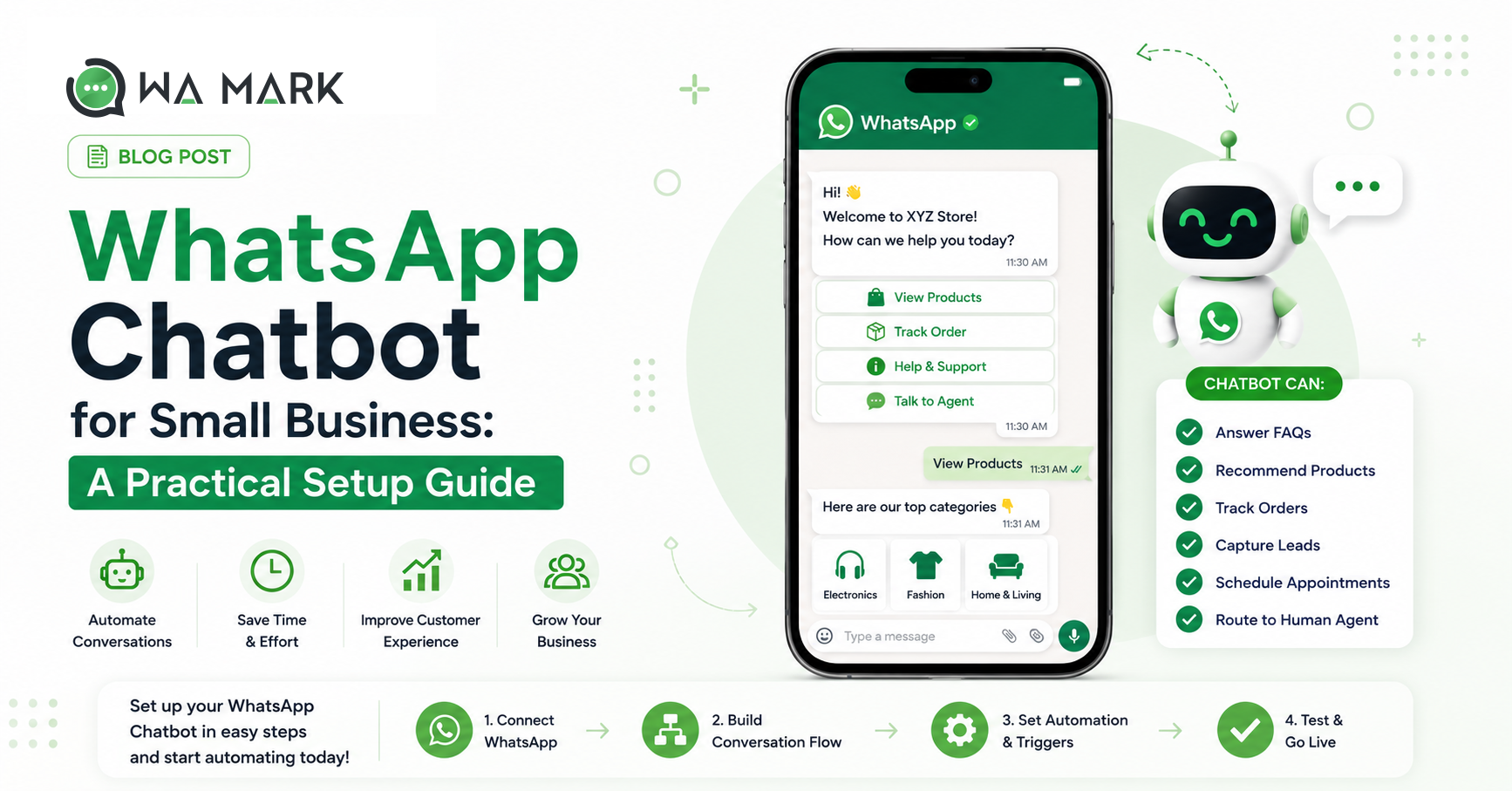
WhatsApp Chatbot for Small Business: A Practical Setup Guide
Quick answer: A WhatsApp chatbot for small business answers customers 24/7, qualifies leads and takes orders without a developer. Build it in an afternoon with a drag-and-drop flow builder on the official API, wire in a human handover, and start with the 5 questions you get most. The step-by-step setup follows.
A WhatsApp chatbot for small business lets you answer customers 24/7, qualify leads and take orders automatically, no developer needed. The whole setup fits in one afternoon.
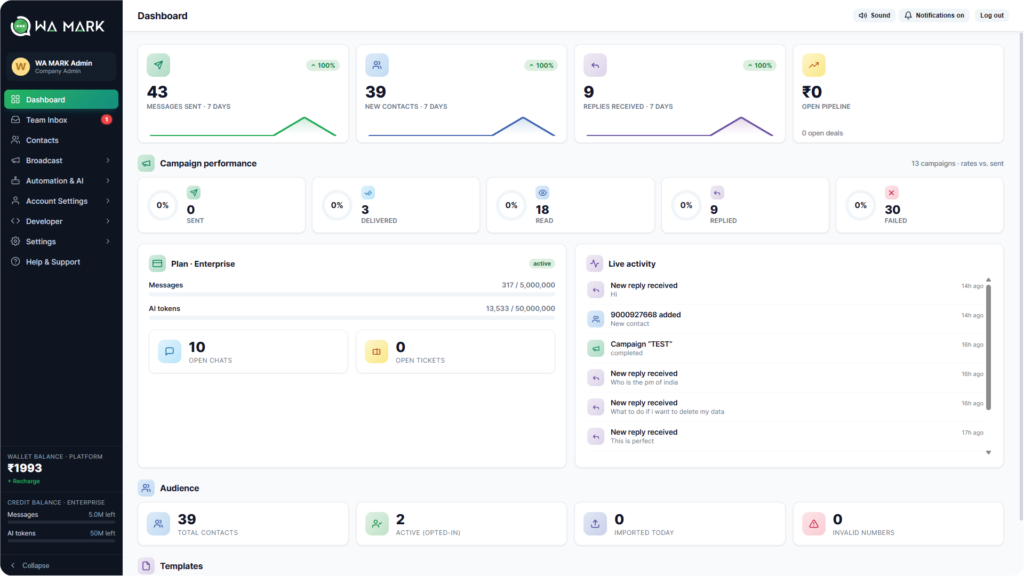
The WaMark dashboard: broadcasts, AI chatbots and a shared team inbox in one place.Most small-business WhatsApp chats die in the gaps. A customer asks about price at 9:40 pm, nobody answers until morning, and by then she’s bought from whoever replied at 9:42.A chatbot closes those gaps. It answers instantly, collects the details, and hands the conversation to a human while the lead is still warm. Your buyers are already on the app: India is WhatsApp’s largest market, and reports put it above 500 million users. The build order below works for almost any shop, clinic or institute, and you can do all of it without writing code.
Start with the five questions you’re tired of answering
Open your chat history and count. For most businesses, roughly 60–70% of inbound messages are variations of five questions, usually some mix of:
“What’s the price of …?”
“Are you open today / what are your timings?”
“Where are you located?”
“Do you deliver / ship to …?”
“Where is my order?”
That list is your chatbot’s syllabus. Automate those five, perfectly, and route the rest to a person.
The four bots that pay for themselves
1. The greeter (after-hours and instant first reply)
The simplest flow and the highest impact: a customer messages, the bot greets within a second, shows three or four buttons (Prices · Timings · Talk to us) and lets them self-serve. Outside business hours it sets the expectation honestly: “We’re back at 10 am, but I can answer most questions right now.” No more 9:40 pm leads dying overnight.
2. The lead qualifier
Someone clicks your Instagram ad into WhatsApp. The bot asks two or three buttoned questions (what they’re looking for, their budget range, their area) and writes the answers to your CRM before a human ever opens the chat. Your salesperson starts the conversation already knowing what the customer wants. Coaching institutes use this to separate “send me the fee structure” browsers from “my exam is in March” buyers.
3. The FAQ answerer
This is where AI earns its seat. Upload your price list, policies and product notes to a knowledge base, and the bot answers free-form questions in your tone, including ones phrased in ways you never wrote down. The trick is restraint: configure it to answer only when it’s confident, and to say “let me get a teammate” otherwise. An AI that admits what it doesn’t know builds trust; one that improvises destroys it.
4. The order-status bot
“Where is my order?” should never reach a human. Connect your sheet or system through a webhook, let the bot look up the order number, and reply with live status. This single flow typically removes a quarter of support volume for anyone shipping products.
The handover rule (where most bots go wrong)
Customers will happily use a bot. What they hate is being trapped: a menu that loops with no path to a person. Every flow needs an exit to a human: visible, one tap, no interrogation first. In WaMark the handover action drops the chat into the team inbox with full context, assigns it by your routing rules, and notifies the agent. The bot buys time and gathers facts; it never blocks the door.A decent rule of thumb: if the bot hasn’t resolved the conversation in 3 exchanges, offer the human. Unconditionally.
Setting it up in WaMark (roughly an afternoon)
Connect your number to the official API. That takes about 10 minutes if your Facebook Business account already exists. (New to this? Read the bulk messaging guide first; the same account powers both.)
Open the visual builder and lay out your greeter: trigger keywords (“hi”, “hello”, “price”), button menus, and replies. It’s drag-and-drop, genuinely no code.
Feed the knowledge base: paste your FAQs, upload the price list, let the AI answer from your documents instead of the open internet.
Wire the handover: pick which team or person gets the chat when the customer asks for one, or when the bot is out of its depth.
Test on your own phone before going live. Ask the awkward questions. Try to break it. Fix what bends.
Measure the only three numbers that matter
First-response time: should drop from hours to about one second. This is the whole point.
Resolution without human: healthy bots settle 40–60% of chats. Much higher usually means customers are giving up rather than getting answers; check the transcripts.
Handover-to-sale rate: qualified leads that reach a human should convert noticeably better than cold chats did. If they convert the same, your qualifying questions are asking the wrong things.
Common questions
Will a chatbot make my business feel robotic?
Only if you let it pretend to be human. Name it, give it your brand’s voice, and let it hand over gracefully. Customers consistently prefer an honest bot at midnight to a human at noon.
Do I need the API, or does the WhatsApp Business app support bots?
The app supports one greeting and one away message; that’s the ceiling. Menus, AI answers, CRM writes and handover all need the Business API.
What does it cost to run?
Bot replies happen inside the customer-initiated service window. Since 1 October 2026 Meta charges those replies at the utility rate (about ₹0.115 each in India), so a busy bot adds up; replies inside the free window after a Click-to-WhatsApp ad (up to 7 days, per Meta’s pricing page) stay free. You pay the platform subscription; chatbots are included on every WaMark plan, starting at ₹999/month.
How long until it’s worth it?
If you get more than 10 enquiries a day, usually the first week; the after-hours catches alone tend to cover the subscription.Build the greeter today, add the FAQ brain next week, and wire the order-status lookup when you’re ready. Start small, watch the transcripts, improve weekly. Plans start at ₹999/month, or tell us what your customers keep asking and we’ll sketch your first flow with you.
Getting started with a WhatsApp chatbot for small business
A WhatsApp chatbot for small business takes zero code to build: a drag-and-drop builder on the official WhatsApp Business API handles automated replies, FAQs and lead capture, and you can launch in an afternoon.
WhatsApp chatbot for small business: FAQs
Is a WhatsApp chatbot for small business worth it?
Yes. A WhatsApp chatbot for small business replies instantly around the clock, qualifies leads and answers FAQs, so you capture sales you would otherwise miss after hours.
How much does a WhatsApp chatbot for small business cost?
A WhatsApp chatbot for small business runs on WaMark from ₹999/month, billed in INR with automatic GST invoices; bot replies inside the customer’s 24-hour service window carry no extra Meta conversation fee.
Do I need a developer?
No. A modern WhatsApp chatbot for small business is built with a no-code, drag-and-drop flow builder, and you can launch one in an afternoon.
We use cookies and similar technologies to collect and process information about your use of this website — to improve the site, tailor our marketing and give you a more personalised experience. Choose “Accept” to consent, or “View preferences” to decide per category.
Functional
Always active
The technical storage or access is strictly necessary for the legitimate purpose of enabling the use of a specific service explicitly requested by the subscriber or user, or for the sole purpose of carrying out the transmission of a communication over an electronic communications network.
Preferences
The technical storage or access is necessary for the legitimate purpose of storing preferences that are not requested by the subscriber or user.
Statistics
The technical storage or access that is used exclusively for statistical purposes.The technical storage or access that is used exclusively for anonymous statistical purposes. Without a subpoena, voluntary compliance on the part of your Internet Service Provider, or additional records from a third party, information stored or retrieved for this purpose alone cannot usually be used to identify you.
Marketing
The technical storage or access is required to create user profiles to send advertising, or to track the user on a website or across several websites for similar marketing purposes.