You see these links everywhere: on shop doors as QR codes, in Instagram bios, under Google Business listings, at the bottom of invoices. They all work the same way, and learning how to create a WhatsApp link takes about two minutes.
The format is short. The part that trips people up is the pre-filled message, because one stray space or ampersand can cut your text off halfway. I’ll show you the format, then the encoding, then the places where the link actually brings in chats.
A basic link has three parts:
https://wa.me/919XXXXXXXXX
First the domain, wa.me. Then a slash. Then the phone number in full international form: country code first (91 for India), then the 10-digit mobile number. Digits only. WhatsApp’s click to chat guidance, as reproduced by messaging vendors, is blunt about this: no plus sign, no leading zeros, no spaces, no dashes, no brackets.
So 9XXXX XXXXX with a +91 in front becomes 919XXXXXXXXX in the link. Write it that way and the link works on phones and on WhatsApp Web.
Here are the mistakes I see most:
Leave the number out and you get a different thing: https://wa.me/?text=... opens a contact picker, so it works as a share button for your content.
Put ?text= after the number and write the message right after it. When the person taps, the text sits in their message box, ready to send. They can edit it. Nothing goes out until they press send.
https://wa.me/919XXXXXXXXX?text=Hi%20I%20saw%20your%20menu
Why bother? Because a pre-filled message tells you where the chat came from. If your Instagram link says “Hi, I saw your reel” and your shop-door QR says “Hi, I’m outside your shop”, you know which one worked without asking. It also saves the customer from staring at an empty box wondering what to type.
A link can’t hold raw spaces or most punctuation. Those characters get swapped for a percent sign plus two hex digits. That swap is URL encoding, and it’s the step people skip.
The common ones:
| Character | Becomes | Note |
|---|---|---|
| Space | %20 | Every single space |
| New line | %0A | For a two-line message |
| & | %26 | Left raw, it starts a new URL parameter and cuts the text |
| # | %23 | Left raw, everything after it is dropped |
| + | %2B | A raw plus can turn into a space |
| ? | %3F | Safe to encode |
| , | %2C | Safe to encode |
| ‘ | %27 | Apostrophes in “I’d” and “what’s” |
Take this message: Hi! I’d like to book a table for 4 at 8 pm. Encoded in full, it reads:
Hi%21%20I%27d%20like%20to%20book%20a%20table%20for%204%20at%208%20pm.
Count the spaces in the original: 11. Count the %20 in the encoded line: 11. If those two numbers don’t match, a space slipped through.
Now a message with trouble in it: Order #1042 & ref: A+B. The hash, the ampersand and the plus would each wreck the link. Encoded it becomes Order%20%231042%20%26%20ref%3A%20A%2BB, and the whole line arrives intact.
For a two-line message, put %0A where the break goes: Hi%0AI%20want%20the%202%20kg%20pack shows as “Hi” on the first line and “I want the 2 kg pack” on the second.
Hindi, Tamil, Bengali and emoji work as well. Each character turns into several percent codes, because the text is sent as UTF-8. The word नमस्ते becomes %E0%A4%A8%E0%A4%AE%E0%A4%B8%E0%A5%8D%E0%A4%A4%E0%A5%87. Typing that by hand is a bad use of your afternoon.
If you code, JavaScript’s encodeURIComponent() does the job. One small catch: it leaves ! and ‘ as they are, while some guides encode them as %21 and %27. Both forms are fine in practice, but encoding them keeps your link uniform with the ones you’ve seen elsewhere. No code? Use a tool.
Hand-encoding a Diwali offer message with five emoji and two prices gets old quickly. The free WhatsApp link generator on this site takes your number and your message, does the encoding and gives you a wa.me link plus a QR code. Paste, copy, done.
The same steps apply every time: number, text, encode, test. Test the result before you print anything. Open it on your own phone, then on a laptop with WhatsApp Web. If the whole message shows up, it’s good.
| Plain wa.me link | Short link or QR from Meta | |
|---|---|---|
| Looks like | wa.me/919XXXXXXXXX?text=… | wa.me/message/CODE |
| Message stored | Inside the URL | On Meta’s side, tied to the code |
| Edit text after printing | No, make a new link | Yes, you can change it later |
| Message length | You decide, keep it short | Meta documents up to 140 characters |
| Needs | Nothing, any number | A WhatsApp Business Platform number |
The plain link is the one you’ll use 90% of the time. The short-link version matters when you print thousands of stickers or menus: you can fix a typo in the pre-filled text later without reprinting. Meta’s own documentation states the 140-character limit for pre-filled messages on these codes, and says one business number can hold up to 2,000 codes and short links combined. Read the details in Meta’s QR code and short link documentation.
A QR code is just the link drawn as a square. Anyone with a phone camera scans it and ends up in the same chat. Print it big enough to scan from a normal distance, leave a clear margin around it, and test the printout with two or three phones before the full print run.
Links bring the chats. Then what?
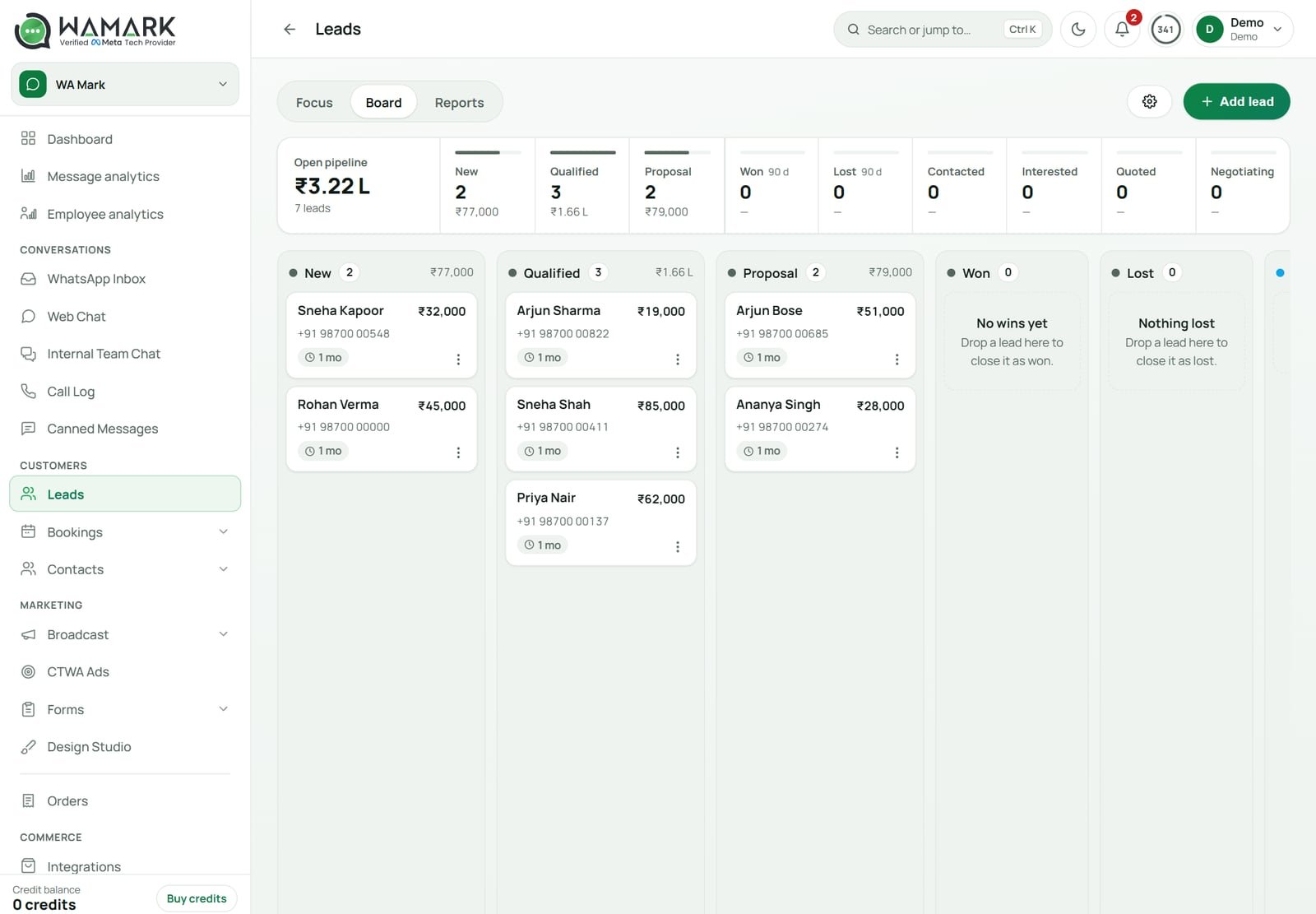
WaMark puts every chat from every link into one shared inbox, from ₹999 a month plus 18% GST.
Start with WaMarkSee pricingA link that sits where no one looks brings no chats. These placements work for Indian small businesses:
Say you run a bakery in Pune. You put one link on the Instagram bio (“Hi, I saw the cake gallery”), one QR code on the box (“Hi, I want to reorder”) and one on the shop window (“Hi, do you have eggless cakes today”). Three links, one number, and each first message tells you which placement paid off. That takes ten minutes to set up and no ad budget.
One rule: use a number you answer. A link that opens a chat which sits unread for two days is worse than no link.
When someone messages you through the link, they open the 24-hour customer service window. Inside it you can reply freely. After 24 hours of silence from them, you need an approved template to start a conversation again. If you’re on the API, that’s where the WhatsApp Business API rules apply.
Once the chats pile up, one phone becomes the bottleneck. A team inbox on the API lets several agents answer from the same number, and the link you made today keeps pointing at it. WaMark’s plans start at ₹999 a month before 18% GST.
Also, a tapped link is not consent for promotions. If the person only said “Hi, price?”, answer the price. Don’t add them to a broadcast list unless they said yes to updates.
If you followed how to create a WhatsApp link above and something still looks off, run down this list before you blame the app.
?text= part is missing or has a typo (?txt= is common).Don’t put a wa.me link as the button in a WhatsApp template. Meta rejects template URL buttons that point at wa.me or whatsapp.com, so use a quick-reply button or a phone button instead.
Type https://wa.me/ followed by your number with country code and digits only, for example 919XXXXXXXXX for an Indian mobile. No plus sign, no zeros, no spaces. Open it on your phone to test. To pre-fill a message, add ?text= and your URL-encoded text at the end.
Add ?text= after the number and write your message with spaces turned into %20, line breaks into %0A, and & into %26. Example: https://wa.me/919XXXXXXXXX?text=Hi%20I%20saw%20your%20menu. The text appears in the box and the customer presses send themselves.
Yes. A link costs nothing to make, and the free generator on wamark.in costs nothing either. You pay only for what you do after the chat starts, such as sending templates through the WhatsApp Business API, where Meta charges per delivered message.
A plain wa.me link contains your number, so anyone can read it. Meta’s short links (wa.me/message/CODE) carry a code in place of the number, but they need a WhatsApp Business Platform number and are set up through Meta’s API or Business Manager.
Paste your wa.me link into a QR generator, or use the free WhatsApp link generator on wamark.in, which gives you the link and a QR code together. Test the printed code with a couple of phones before you print it in bulk.
Ready to try it on your own chats?
Plans start at ₹999 a month before 18% GST.
Start with WaMarkSee pricingRelated guides