Until January 2026 you could chat with ChatGPT and Perplexity inside WhatsApp. Then Meta’s new terms took effect, and those assistants stopped working there. If you read the headlines you could be forgiven for thinking an AI WhatsApp chatbot for your shop is now banned too.
Meta says otherwise, and I’ll quote it below. The rule does have an edge, and it helps to know where the edge is before you build.
Meta updated the WhatsApp Business Solution Terms with a section on “AI providers”. TechCrunch reported it on 18 October 2025, with the rule effective 15 January 2026. The target is companies whose main product is an AI model or assistant, and who use WhatsApp to distribute it. Meta decides what counts, “in its sole discretion”, per the terms as TechCrunch described them.
Meta told TechCrunch the change doesn’t affect businesses that use AI to serve their own customers. Its example was a travel company running a customer service bot. I’d read that as: if the AI exists to answer questions about your business, you’re on the right side of the line.
Two hedges. I haven’t read the full legal text of the terms myself, only reports of it and Meta’s statement to the press, so check the current terms before you launch. And the exact boundary is Meta’s call. A bot that answers “write me a poem” or “explain tax law” is drifting toward general-purpose, and I’d keep yours on topic. The terms also bar using WhatsApp Business Solution data to train AI models, which is one more reason to pick a provider that says what it does with your chats.
The simple version has five steps.
Step 3 is called retrieval-grounded AI, and it’s the part that keeps the bot honest. Without it, the model answers from general knowledge and will happily make up a refund policy. With it, the bot can only draw from what you gave it, and a good one says “I’m not sure” when the answer isn’t there.
| Button and flow bot | AI agent | |
|---|---|---|
| Best for | Fixed tasks: order status, booking slots, menus | Open questions: “does this fit a 2-year-old?”, “what’s your return rule?” |
| Setup | Draw the flow, set the buttons | Upload documents and URLs, test answers |
| Risk | Rigid; customers type something it can’t match | Wrong or invented answers if the source is thin |
| Cost to run | Only the Meta message fees | Meta message fees plus any AI usage the platform meters |
My own rule: use buttons when the answer is a lookup (where’s my order, what time do you open). Use AI when the question has a thousand phrasings. Most useful setups use both: buttons for the first menu, AI for the free-text that follows. Our WhatsApp chatbot guide for small businesses covers the button side.
This is where most of the quality comes from. A decent source list for a small business:
Then test it. Ask 30 real questions from your inbox and mark each answer right, wrong or “should have escalated”. When an answer is wrong, fix the source document first. If the price list says two prices for the same item, the AI will quote one of them.
Train an AI agent on your own documents
WaMark’s AI agents answer from your documents and URLs and hand over to a person. Plans from ₹999 a month plus 18% GST.
Start with WaMarkSee pricingA bot that won’t let go of a conversation loses customers. Set clear triggers for handing over to a person.
A sample exchange:
Customer: Can I return a dress I bought 10 days ago?
Bot: Yes. Our returns policy allows returns within 15 days if the tag is on. Do you want the pickup steps?
Customer: It’s torn. I want to talk to someone.
Bot: Sorry about that. I’m passing you to our team now. They’ll reply here.
The bot read the whole chat before answering, then handed over without arguing. In WaMark the chat lands in the shared inbox for an agent to assign and take on. It’s also worth knowing how the pieces connect with WhatsApp marketing automation, since follow-ups and reminders sit beside the bot.
Three kinds of cost sit behind one chat. First is Meta’s message fee. A reply to a customer inside the 24-hour window is a service message. Since 1 October 2026, each number gets 1,000 free service messages a month and the rest are billed at about ₹0.115 each in India before GST (confirm on your rate card).
A worked month: the bot sends 1,800 replies. That’s 1,800 − 1,000 = 800 billed × ₹0.115 = ₹92.00, plus 18% GST of ₹16.56, so ₹108.56.
Second is the AI usage your platform meters. WaMark’s plans include AI conversations: 100 a month on Basic (₹999), 500 on Starter (₹2,999), then agent features on Growth and above. Third is your own time keeping the documents current.
Meta also sells its own Business AI agent, charged per token ($2.00 per million tokens, which Meta puts at roughly 4 to 5 cents per message on its pricing page). That’s separate from a third-party AI WhatsApp chatbot like the one in WaMark. See the October 2026 price breakdown for the Meta fee side.
Say a coaching institute wants a bot for admission questions. Here’s how I’d spend the week.
After a week you’ll know whether an AI WhatsApp chatbot suits your questions. If 7 in 10 chats end without a human, it does. If most of them reach an agent, your questions need judgment, and a button menu plus quick human replies might serve you better. Those figures are my own yardstick.
Keep a short list in the instructions and test it.
These also keep you on the right side of Meta’s rule. A bot that stays on your business topics reads as customer service. One that chats about anything starts to look like the general-purpose assistants Meta barred.
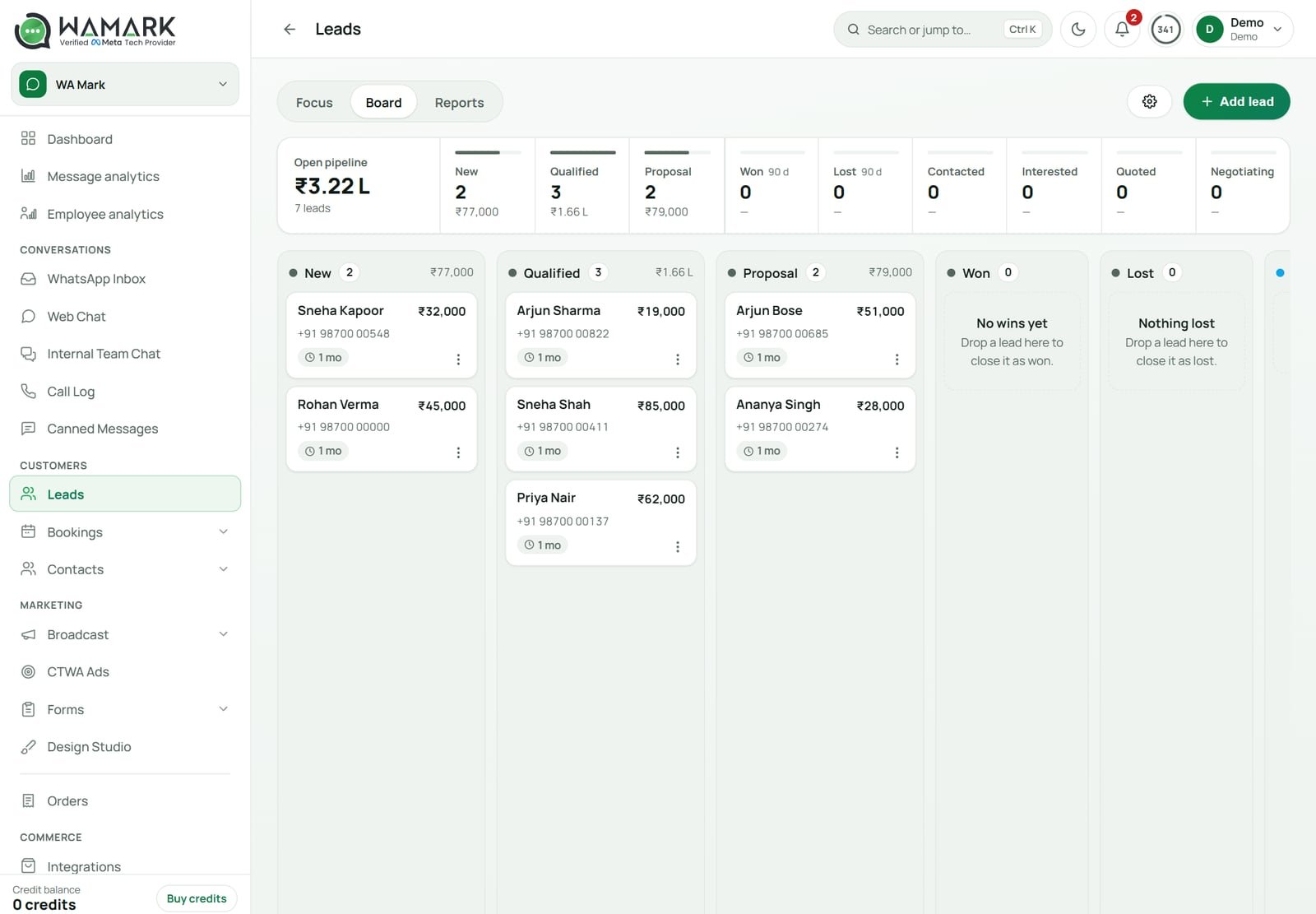
For the data side, WaMark’s built-in WhatsApp CRM keeps contacts, tags and chat history in one place, so the bot and your team see the same customer.
Yes, when it serves your own customers. Meta’s updated terms, in force from 15 January 2026, bar general-purpose AI assistants from the WhatsApp Business Platform, and Meta told TechCrunch that businesses using AI for their own customer service are not the target. Check the current terms before launch, since Meta judges the boundary.
They were general-purpose assistants, which Meta’s updated Business Solution Terms bar from 15 January 2026. TechCrunch reported that OpenAI, Perplexity and Microsoft had announced their WhatsApp chatbots would stop working. A company chatbot that answers questions about its own products or orders is a different case.
It searches the documents and web pages you gave it, picks the passages that match the question, and writes a reply from them, using the chat so far for context. If nothing relevant is found, a well-set-up bot says so and hands the chat to a person.
Meta charges for replies beyond 1,000 free service messages per number each month, about ₹0.115 each before GST. Next comes your platform’s plan, which can include AI conversations; WaMark’s Basic plan from ₹999 a month includes 100. Confirm Meta rates on your own rate card.
Yes, and it should. Set triggers: the customer asks for a person, sounds upset, repeats a question or raises payments, health or legal topics. In WaMark the chat then moves to the shared team inbox, where an agent can pick it up with the whole conversation in view.
Ready to try it on your own chats?
Plans start at ₹999 a month before 18% GST.
Start with WaMarkSee pricingRelated guides


