For years the rule was blunt. Move your number to the WhatsApp Business API and it disappears from the Business app on that number. The owner lost the phone chats they’d used for years, and the team got a new inbox.
WhatsApp coexistence changes that. The owner keeps tapping replies on the phone, and the team gets a shared inbox, campaigns and bots on the same number. Here’s how it behaves, based on Meta’s developer documentation, and where it bites.
You need the WhatsApp Business app, version 2.24.17 or newer, on the phone. You connect the number to a platform through Meta’s sign-up flow, and then both sides work at once.
One billing detail helps. Meta’s docs say messages sent from the Business app don’t create or extend Cloud API conversation windows and don’t affect Cloud API pricing. So typing a reply on the phone doesn’t start a pricing clock. It also means a phone reply doesn’t open the 24-hour window for your platform, which matters for the next section.
Contacts and chat history come across once, and you choose them on the phone during connection. Per Meta’s docs, the platform has 24 hours after connecting to ask for them, and each sync can run only once. Miss the window and you’d have to disconnect and connect again.
| Item | Behaviour with coexistence |
|---|---|
| Contacts | Shared once at connection |
| 1:1 chat history | Up to 6 months (180 days), once, in phases |
| New 1:1 messages | Mirrored both ways |
| Group chats | Not synced |
| Calls | Not synced |
| Disappearing and view-once messages | Disabled for 1:1 chats |
| Live location | Disabled |
| Broadcast lists in the app | Become read-only |
| Other linked devices | Unlinked at connection; you can re-link supported ones. WhatsApp for Windows and Wear OS can’t be linked afterwards |
Two of these hurt more than the others. If your team uses WhatsApp for Windows on a desk PC, plan a replacement before you connect. And if you ran broadcast lists from the app, you’ll need to move those sends to API campaigns, because the lists freeze.
The 14-day rule. Meta’s docs list “primary device inactive for approximately 14 days” as a reason the link ends. So open the Business app on the phone at least every couple of weeks. Put it on a reminder if the phone lives in a drawer.
20 messages per second. A number on both the app and the API has a fixed throughput of 20 messages per second. That’s 1,200 a minute. A 5,000-message campaign takes 5,000 ÷ 20 = 250 seconds, a bit over 4 minutes. Not a problem for most small businesses. A 100,000-message blast would take 5,000 seconds, about 83 minutes.
The window. Because app messages don’t open or extend the customer’s 24-hour window, a customer who last wrote 30 hours ago can’t receive your free-form reply from the platform, even if you typed to them in the app yesterday. Outside the window, the platform sends an approved template. See WhatsApp Business API explained for the window rules.
Availability. Meta’s page I read doesn’t list country limits. Whether your number can connect depends on the platform and your account, so check before planning around it.
Keep your number, add a team inbox
Connect a number that stays on the Business app. Plans from ₹999 a month plus 18% GST.
Start with WaMarkSee pricingThe window rule trips up almost everyone, so here is one customer, hour by hour.
Meta’s docs say app messages aren’t subject to the customer service window at all. So at 16:00 you can still type to that customer on the phone. The window only limits what the platform sends. Tell your team which side to use for what, or two people will answer the same chat.
Templates still need Meta’s approval, marketing still costs per delivered message, and a rejected template stays rejected. If you need a refresher on the template and cost side, the WhatsApp Business API pricing guide covers it.
| Business app only | API only (number moved) | WhatsApp coexistence | |
|---|---|---|---|
| Owner chats on the phone | Yes | No, number leaves the app | Yes |
| Shared team inbox | No | Yes | Yes |
| Template campaigns and bots | No | Yes | Yes |
| Old chats kept | Yes | Stay behind in the app | Up to 6 months shared once |
| Sending speed | Manual | Higher throughput | 20 messages per second |
| Per-message Meta fees | None | Yes | On API-sent messages |
For rates on the API side, read the October 2026 price breakdown.
Say the phone sits unused for about 14 days, or someone taps Disconnect Account. The platform gets a disconnection event from Meta, and your inbox stops mirroring app messages. The number goes back to being a Business app number, and you can connect it again.
The cost of reconnecting is the catch. Contact and history sync each run once per connection, so a reconnect starts the one-time clock over. I’d treat a dropped link as a small chore and an unplanned one, which is why the reminder matters.
My rule of thumb has three branches, and one of them is “don’t bother”.
There’s also a middle path: keep the old number on the app and register a new one on the API. It works, but customers see two numbers, which splits your chat history. For most small businesses I’d try coexistence first, since you can disconnect later.
WaMark added coexistence on 21 October 2026. You connect a number that stays on the Business app. Messages you type in the app show up in the WaMark inbox, marked as sent from the app. Contacts and past chats can arrive once, quietly: no unread badges and no chatbot replies, so your bot doesn’t answer chats from six months ago.
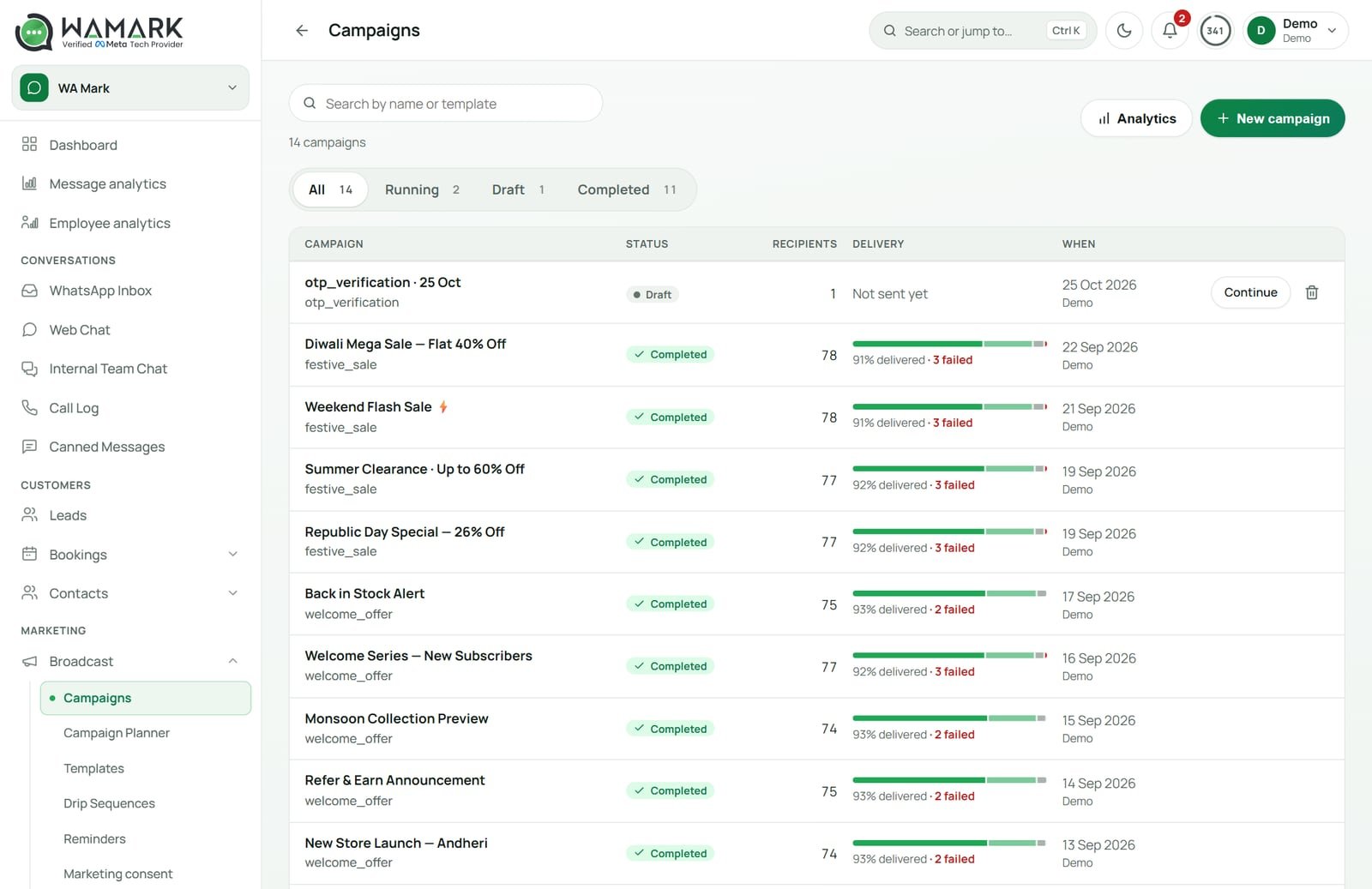
WaMark shows the connection state and the import progress. It also tells the owner when WhatsApp ends the link, which is the 14-day case. Once connected, the rest works like any WaMark number: team inbox, bulk campaigns, drip sequences, chatbots and AI agents. If you want the chat side only, see our WhatsApp CRM software page.
To disconnect, use the phone: Settings, then Account, then Business Platform, then Disconnect Account. WaMark plans start at ₹999 a month before 18% GST, with no free plan.
WhatsApp coexistence is Meta’s feature that lets one number run the WhatsApp Business app and the Cloud API at once. Messages typed in the app appear in your API software, and messages sent from the software appear in the app. Contacts and up to 6 months of 1:1 chats can be shared once.
Yes, through WhatsApp coexistence, with app version 2.24.17 or newer. The number then has a throughput limit of 20 messages per second, group chats and calls don’t sync, broadcast lists in the app become read-only, and other linked devices are unlinked when you connect.
It stays connected as long as you use the app. Meta lists primary-device inactivity of about 14 days as a reason the link ends, so open the Business app at least every couple of weeks. If it ends, you reconnect the number.
Once, at connection. You pick what to share on your phone, and the platform has 24 hours to request contacts and up to 6 months of 1:1 history. It can’t be repeated without disconnecting and connecting again. Group chats don’t sync.
Meta’s docs say messages sent from the Business app don’t create or extend Cloud API windows and don’t affect Cloud API pricing. Messages sent through the API are billed as usual, so marketing templates and in-window service replies beyond the free tier cost money.
Ready to try it on your own chats?
Plans start at ₹999 a month before 18% GST.
Start with WaMarkSee pricingRelated guides


